First start
-
Install OADM on the computer that runs the server. The service starts on its own.
-
Start the client. It connects to
localhost:5080. For a server on another computer enter<server>:5080.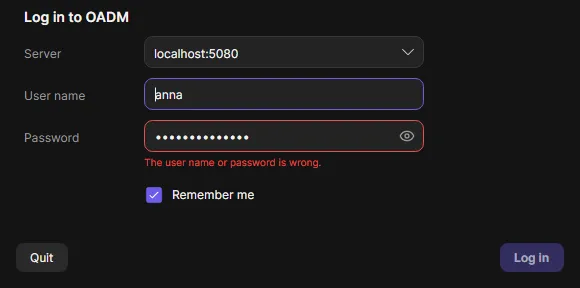
-
On the first connection the client shows the server’s fingerprint. Compare it with the line “Server TLS certificate fingerprint” in the server log, then confirm. The client remembers the server from now on.
-
While the server has no users, the login window creates the first administrator. From another computer you also need the setup code from
setup-code.txtin the server’s data folder (it is in the server log too).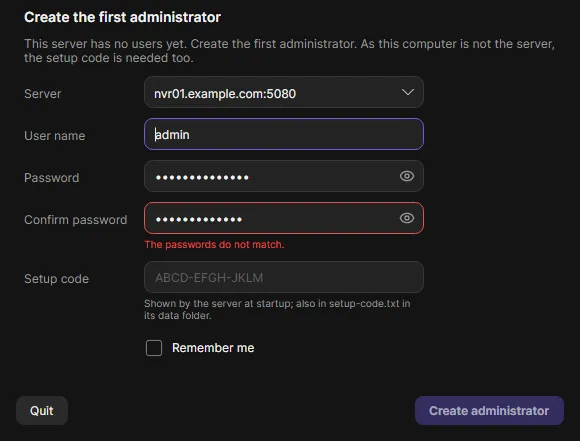
-
Open Credentials in the navigation rail and add the passwords you use on your devices.
-
On the Devices page click Add and choose Discovery, Network range, Add manually or Import from file. OADM logs in to every device it finds with your credentials. See Add devices.
Start options
Section titled “Start options”--server <server>:5080preselects a server in the login window.- Remember me keeps you logged in on this computer. The password is never saved.