Plugins
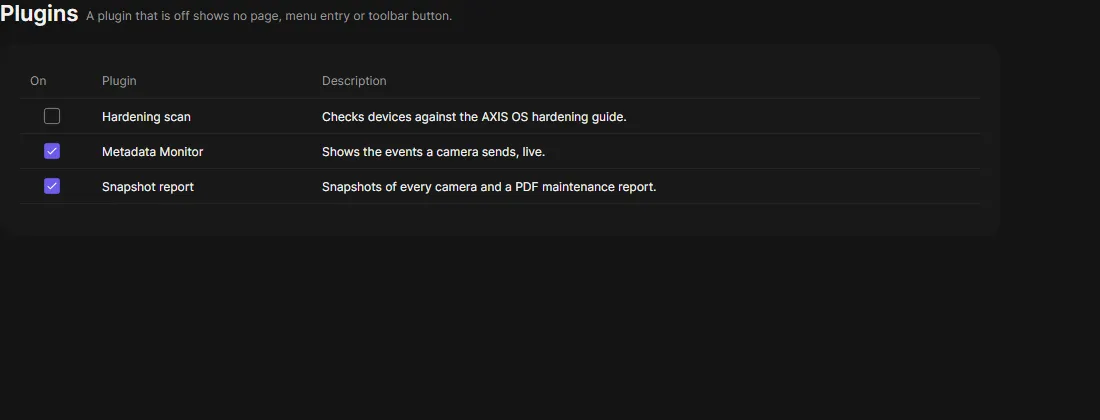
The Plugins page lists the plugins you can turn off, each with a short description. Only administrators see it.
Turn a plugin on or off with its check box. The change applies at once, for every client, and is in the audit log. A plugin that is off shows no page, menu entry or toolbar button, and the server does not run it. Other clients see the change the next time they connect.
| Plugin | Default |
|---|---|
| Snapshot report, VAPIX Commander, Metadata Monitor, NTP server, DHCP server | On |
| Hardening scan, Image Health Dashboard | Off |
Restart, Upgrade firmware, Date and time, Applications (ACAP), Users, Network settings, PKI and System report are the everyday device work. They are always on and not listed.