Tags
Tags are your own labels, for example “Building A” or “PTZ”. Each tag has a color.
- Select devices, right-click and choose Tags.
- Check the tags the devices should have. New tag creates one.
- Click OK.
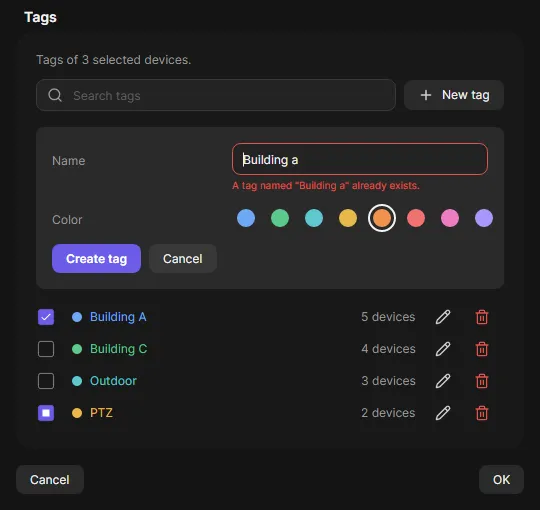
A check box shows a dash when only some of the selected devices have the tag. Click it once to give the tag to all.
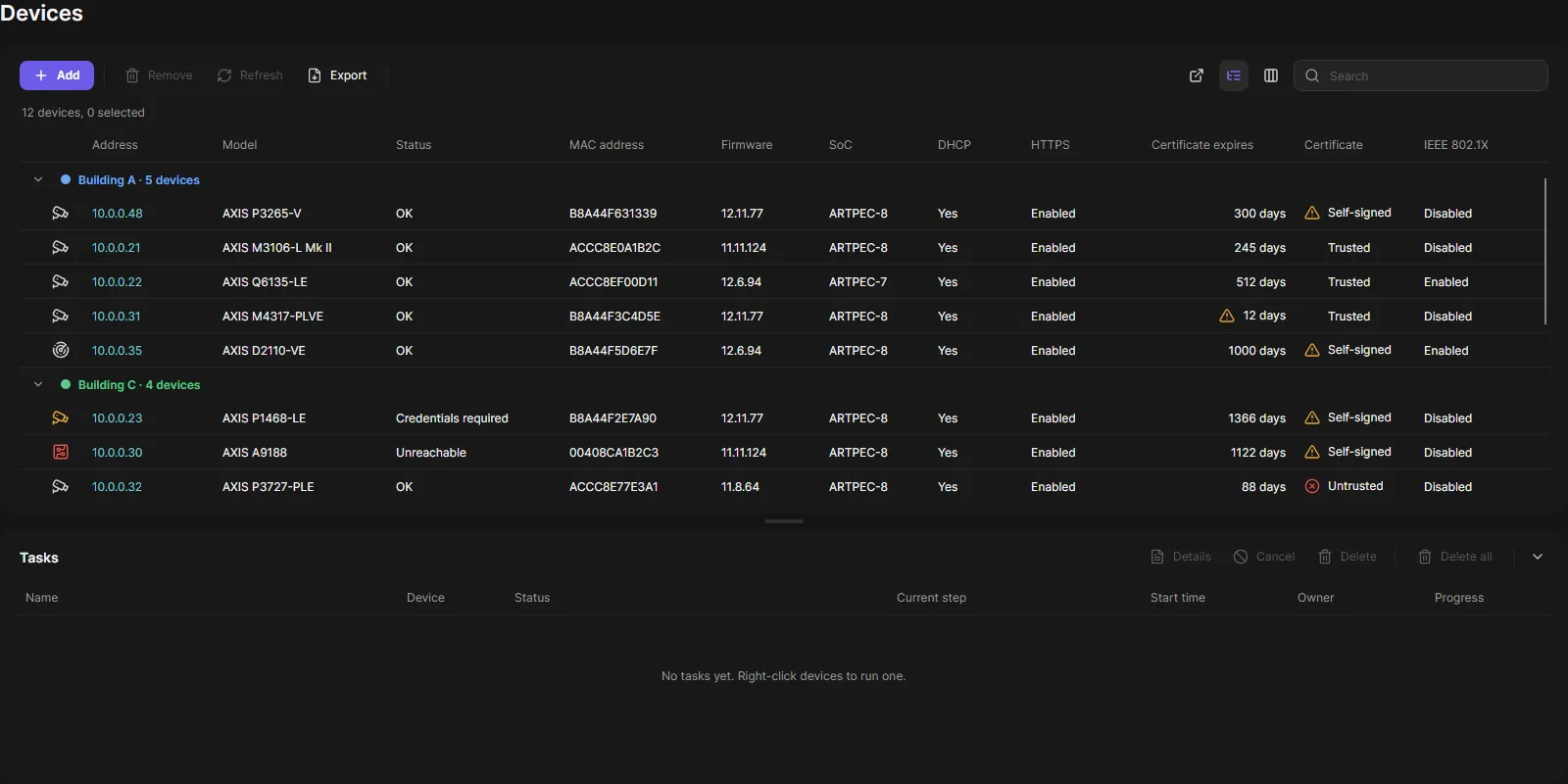
Group by tag
Section titled “Group by tag”Group by tag in the toolbar shows one group per tag. A device with two tags appears in both groups. Devices without a tag are in No tag at the end.
Good to know
Section titled “Good to know”- The search finds tags too.
- Export writes a Tags column. Import from file reads one (tags separated by
;). - Up to 20 tags per device, names up to 32 characters.
- Operators tag devices and create tags. Renaming, recoloring and deleting a tag needs an administrator.