Skip to content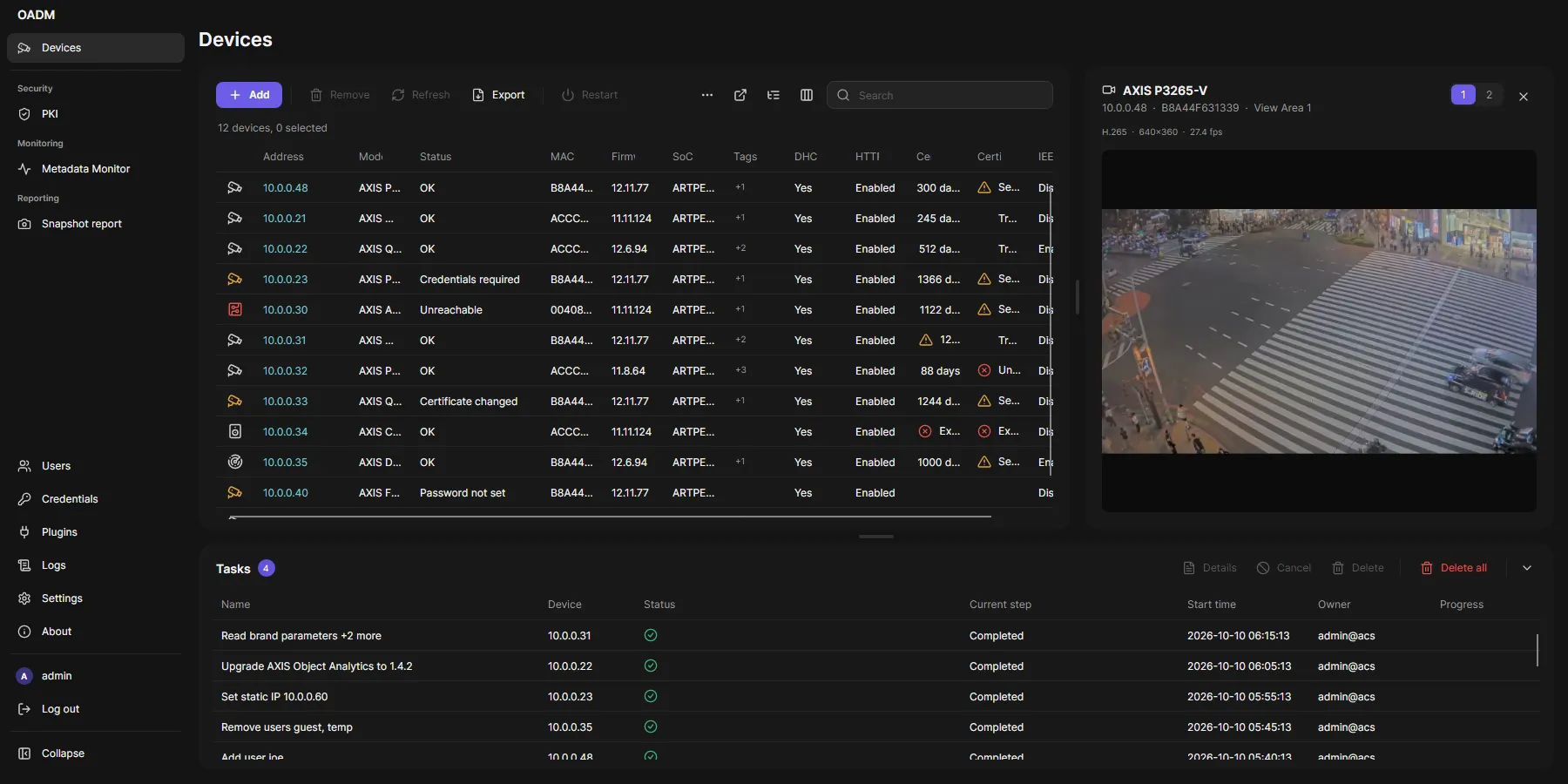
- Click the device icon of a camera, encoder or intercom. The video opens on the right.
- Click another device’s icon to switch, the same icon, the close button or Escape to close.
- Cameras with several sensors or view areas show buttons 1, 2, … in the header to switch the source. OADM
remembers the choice per device until you close the client.
- Drag the divider to give the video more room.
- The server opens the stream with the stored credentials. The client never gets the device password.
- Full HD at 25 fps, H.265 when the camera and client support it, else H.264.
- Several people watching the same camera share one connection to it.
- The video between camera and server is not encrypted.
- Devices with the status Certificate changed are not shown.